
Build an exploded view
Specify the layers of the object and the axis they should follow. Reserve room around the parts for later annotations.
Choose a ratio and dimensions, then supply a prompt or up to three reference images. The workbench shows whether Vyi can run the task or export your brief.
Specify the layers of the object and the axis they should follow. Reserve room around the parts for later annotations.
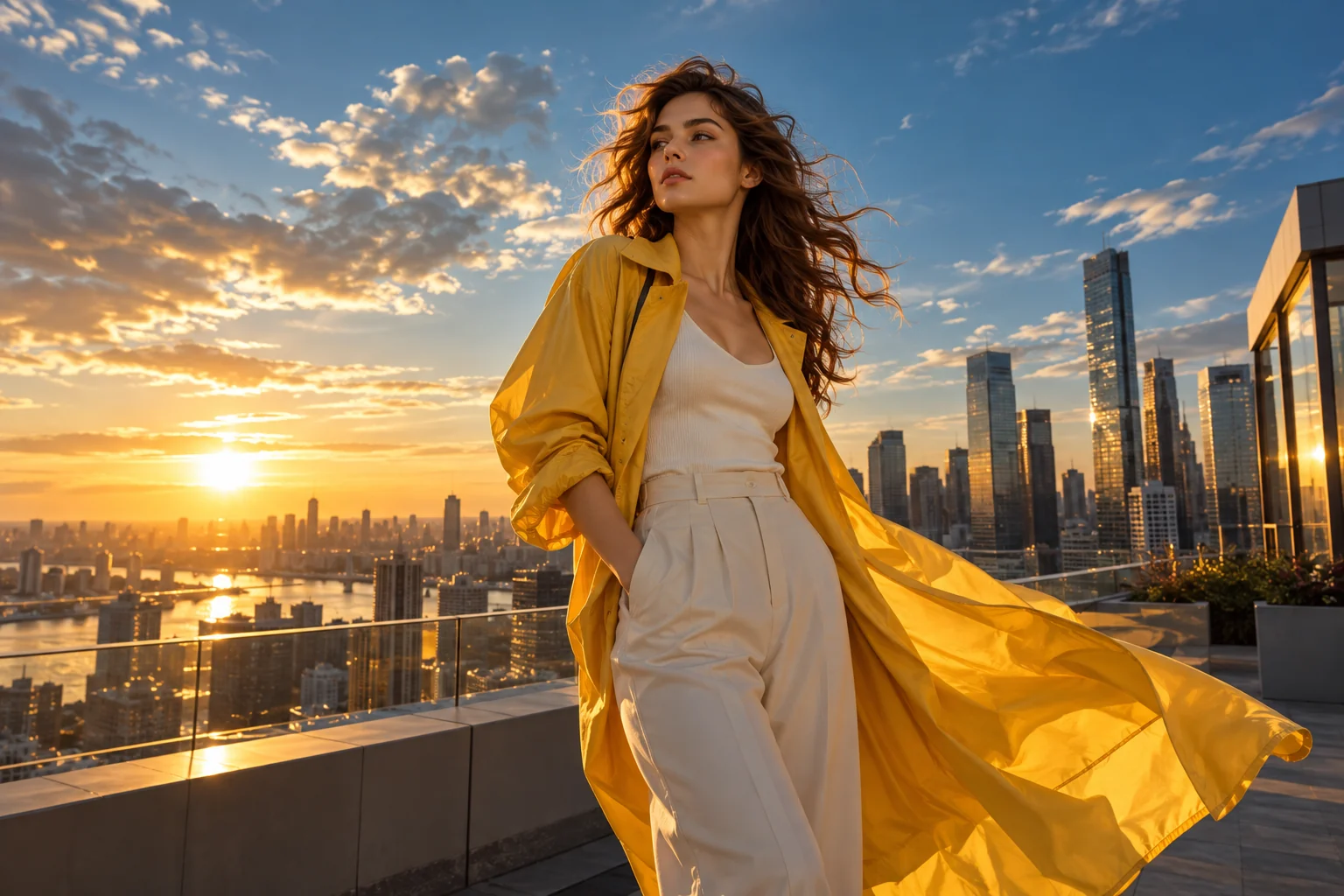
Tell the model where the camera stands and what is visible through each opening.

Keep the silhouette consistent so the changes in color and materials are easy to compare.
MiniMax H3 Image supports generation from text and reference-based editing.
You can add up to three reference images. Refer to them in upload order with <Picture 1>, <Picture 2> and <Picture 3>.
Choose 1K, 2K or 4K and then an aspect ratio. The editor displays the exact pixel dimensions for that combination.