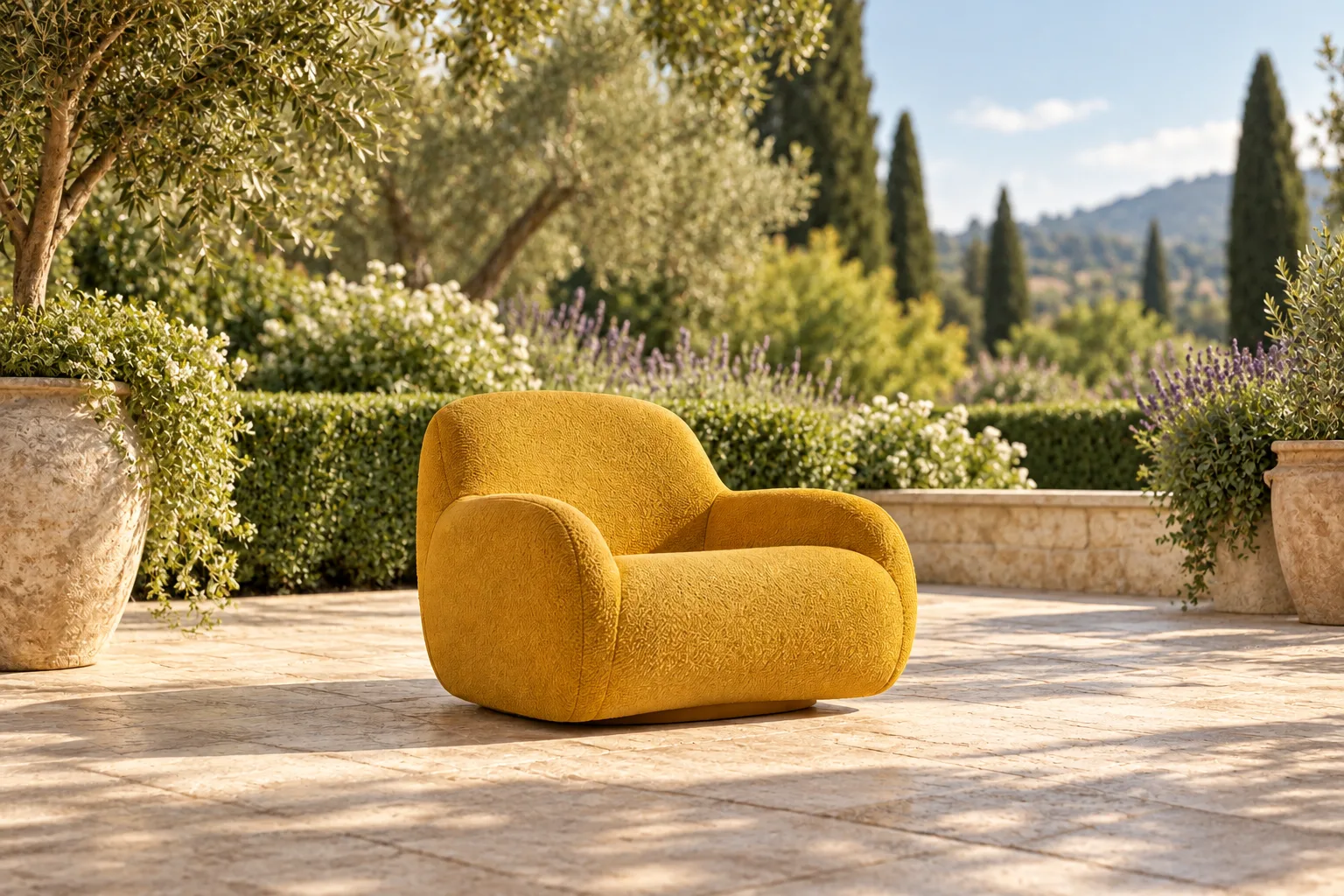
Relight a room
Describe the new light and leave the furniture geometry and perspective in place.
Describe a new image or specify which parts of a photo to change. Save your prompt and settings as a reusable JSON file.
Describe the new light and leave the furniture geometry and perspective in place.

Name the one prop you want to change and spell out what should stay in the same place.
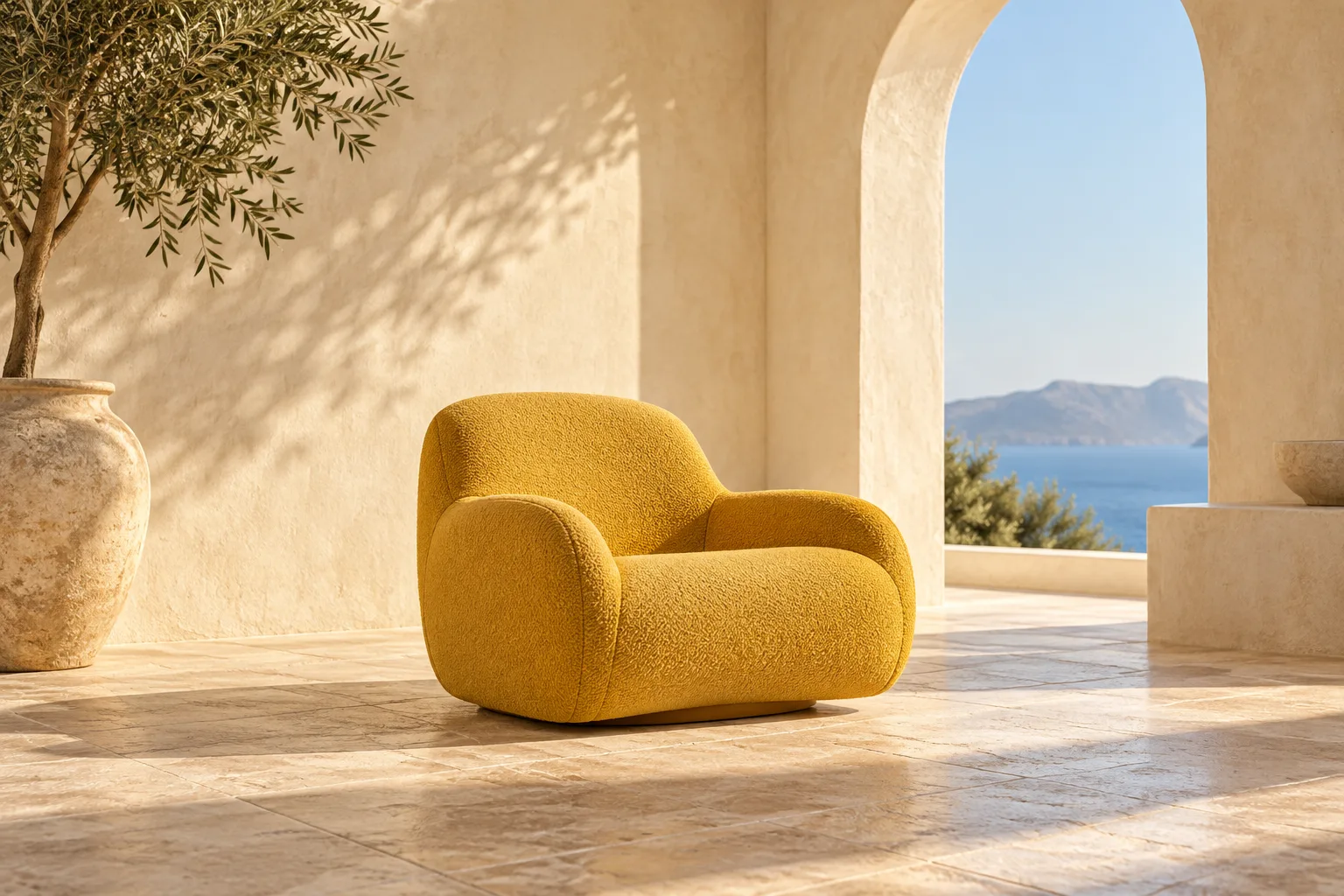
Use the first image for layout, a second for color, and your written prompt for the part that should change.
This workbench exports a brief with your prompt, format settings and reference filenames. It does not generate an image.
The Vyi draft editor accepts up to ten JPG, PNG or WebP images of 10 MB each. Adding photos here gives you a local preview and an ordered list of names in the brief.
This page exports a brief, not a finished image. To generate an image in Vyi, use the image workspace and select an available model.