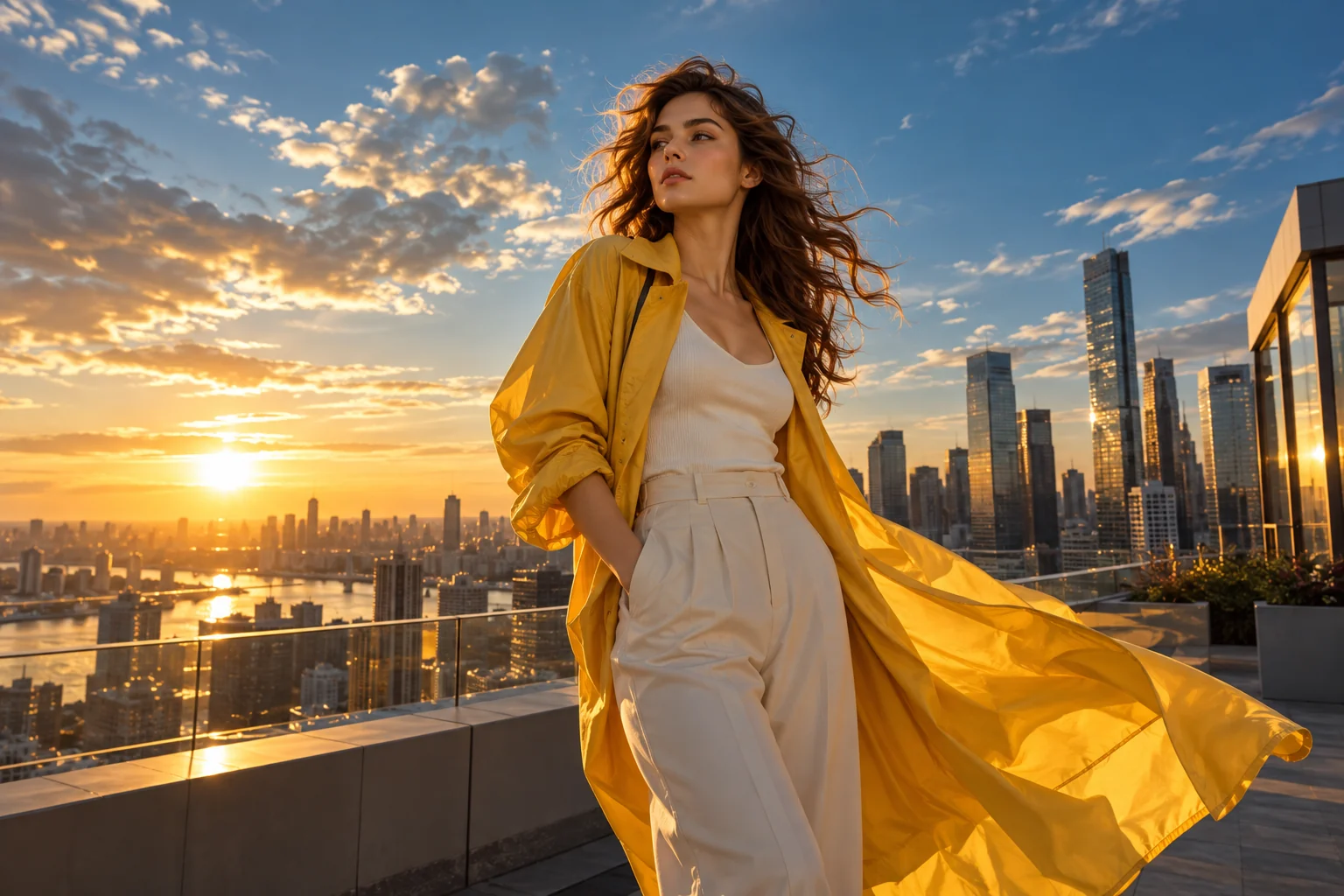
Wide composition
Plan where the subject sits, where the light comes from and how much space the layout needs around the focal point.
Draft a new composition or a reference-led edit and save your prompt and settings as a reusable JSON file.
Plan where the subject sits, where the light comes from and how much space the layout needs around the focal point.

Use one reference for the product silhouette and a separate image for the lighting or material palette.

Write down the facial angle, light falloff and framing you want to preserve while trying a different background.
No. This workbench prepares and exports a brief; it does not run Kling Image 4.0. Your reference images stay on your device.
Give each reference a clear job, such as preserving the subject or guiding the color palette. Describe which parts can change in the final image.
The JSON document contains your prompt, mode, aspect ratio, resolution and filenames. The original image files stay on your device.