01
1–5 portraits
Full band
Assign up to five people. The brief requests fictional adult musicians for empty roles.
Make this my lineupA warm room. A desk full of instruments. A cast you choose. Build a concert around your photos, one scene at a time.
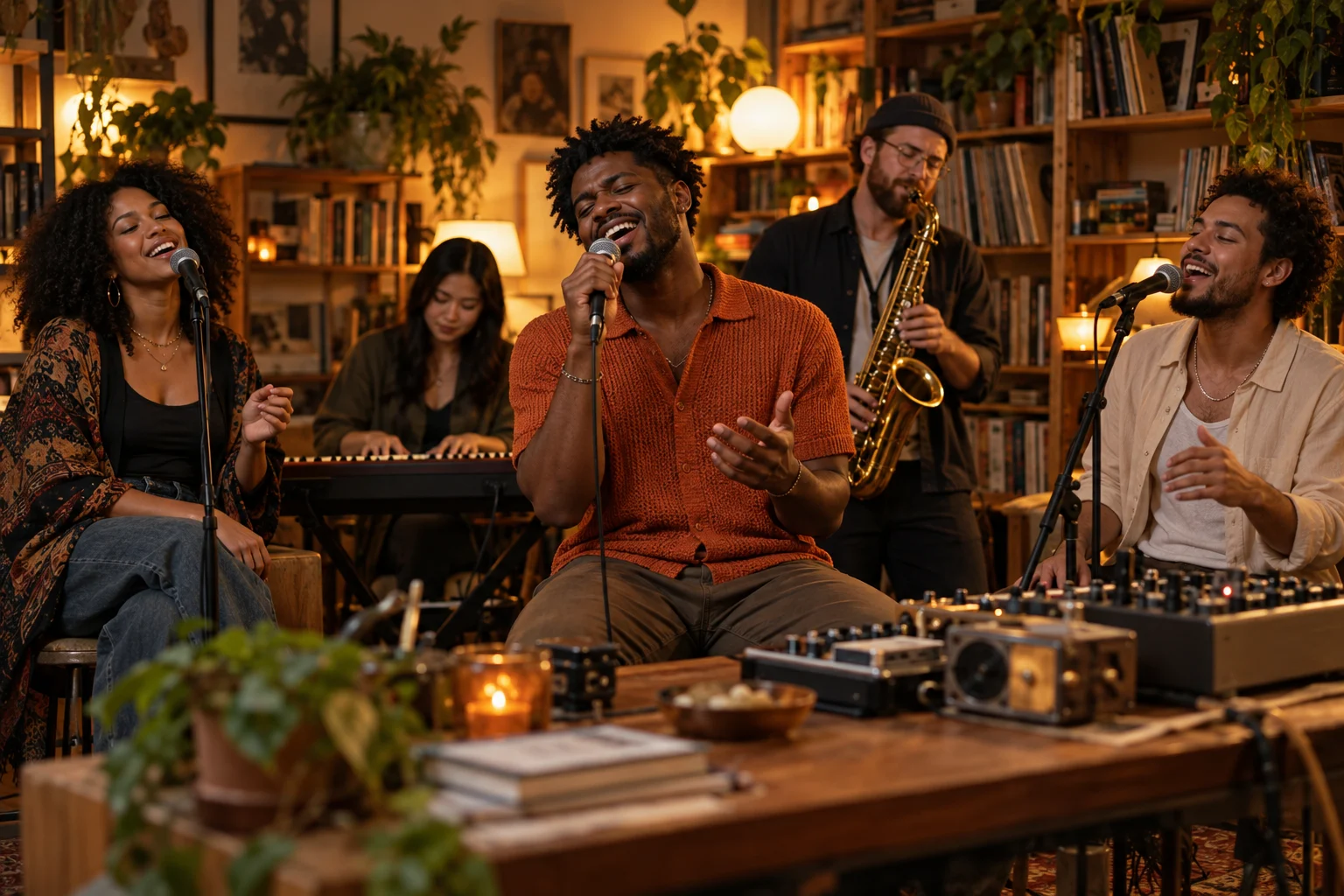 Bookshelf session
An original scene illustration. Your video is generated from your own photos.
Start with the photos you have. Each lineup changes the roles and the direction in your concert brief.
Assign up to five people. The brief requests fictional adult musicians for empty roles.
Make this my lineupTwo portraits, equal billing. Add one clear photo for each singer.
Make this my lineupOne portrait guides the whole cast. Repeated likeness is a prompt request, not a guarantee.
Make this my lineupPut one person in front, with a fictional adult band behind them.
Make this my lineupThe storyboard is a plan you can inspect before generating. The model may interpret shots differently.
01A wide opening establishes the desk and the cast.
02A gentle push-in brings the lead into focus.
03Return to the group for a relaxed final beat.
An original scene illustration. Your video is generated from your own photos.
Choose a lineup and add separate, well-lit portraits. Crop group photos into individual faces first.
Pick the room, clothing and frame. Preview the local plan or copy the brief to refine your idea.
Sign in, confirm photo permission and spend the displayed credits. Check your result in My creations.
Copy the brief, bring your own footage, and control the edits and licensed soundtrack yourself.
Plan roles and camera beats. No AI footage, account or credits needed.
Submit portrait references and scene direction to Seedance 2.0 Face to create a new concert video. Uses credits.
Copy the brief, bring your own footage, and control the edits and licensed soundtrack yourself.
Review the provider terms and model-specific restrictions before publishing. Vyi credits do not grant a provider subscription or a blanket commercial license.
It prepares a small-room concert concept from your portraits and sends image references and scene direction to Vyi’s video generation service. No reference video is used. This independent tool is not affiliated with NPR or the Tiny Desk Concerts series.
No. It is a local storyboard showing your selected portraits and three camera intentions. No photo is uploaded for this preview, and no credits are deducted.
Choose The duet for two portraits, One-person band to repeat a face, or Full band for up to five people. Each selected photo is sent as a separate image reference; the video model may change faces or role assignments.
This page uses Seedance 2.0 Face: 5 or 10 seconds at 720P, in portrait or landscape format. The displayed credit cost updates with your selection. No reference video is required or submitted.
The brief asks for a new fictional session. It does not supply an existing recording, an artist’s voice or a licensed song. The sound toggle enables generated audio, but a specific song, vocal or soundtrack is not guaranteed.
Photo selection and storyboard preview happen in your browser. After you sign in and explicitly generate, the selected portraits are uploaded to Vyi storage and sent to the configured generation provider as image references. See the Privacy Policy for service data handling.
Vyi tracks your submitted task and handles credit recovery for failed jobs. Open My creations to inspect its status before retrying. If you only dislike a completed result, that is different from a failed task; check the current refund policy.
Only use portraits you have permission to process. Check the model provider’s terms and the rights in any music or other material you add. This page does not grant a blanket commercial or music license.
Bring a photo. We’ll help you write the scene.
Create my session