01
Toc Toc Dance AI A PHOTO. A DIRECTION. YOUR NEXT TAKE.
A little hop. A knock. Your own take.
Create a Toc Toc-inspired dance from a photo. Pick a living-room solo, hallway entrance, coordinated duo or pet performance, then set the frame for your clip.
01 / Create
Reference exampleSCREEN TEST / 001
Living-room solo
Examples from the product reference, shown for visual direction. They are not tests of this generator.
Toc Toc Dance AI
Show the head, shoulders and at least the upper body. A little space around the body helps the hop and hand gestures read.
02 / Scenes
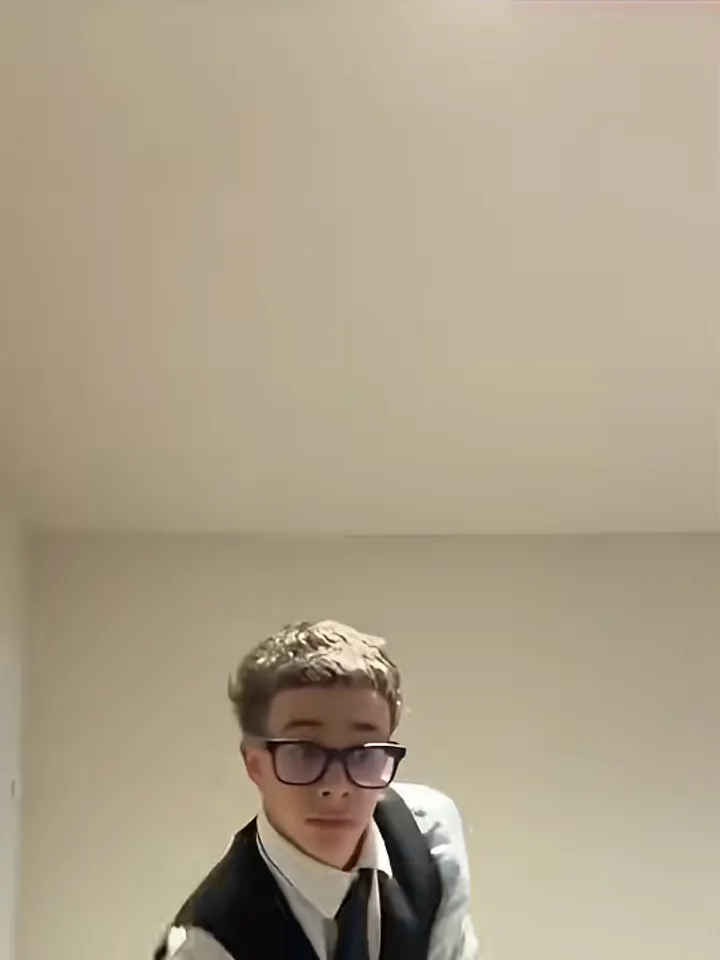
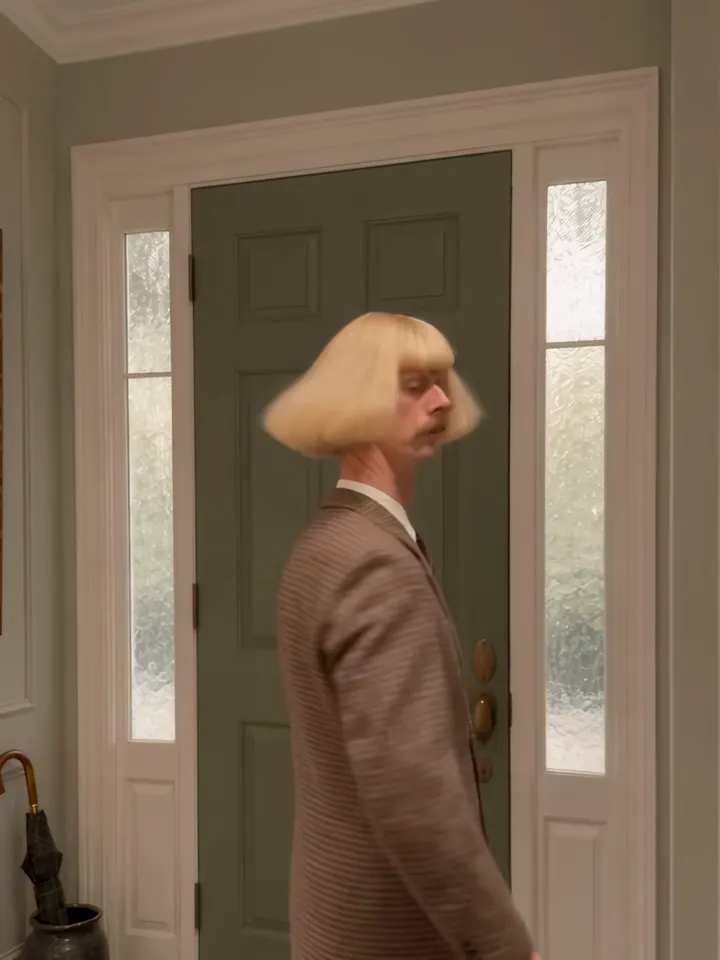
Pick where your next knock lands.
Examples from the product reference, shown for visual direction. They are not tests of this generator.
02
 03
0304
05
 06
06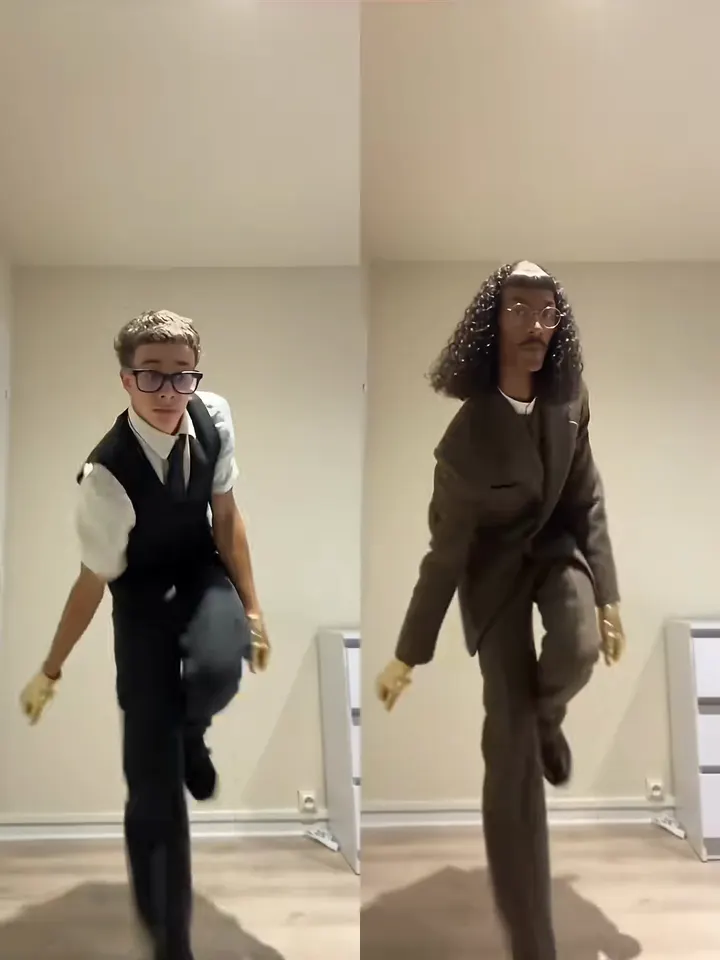 07
07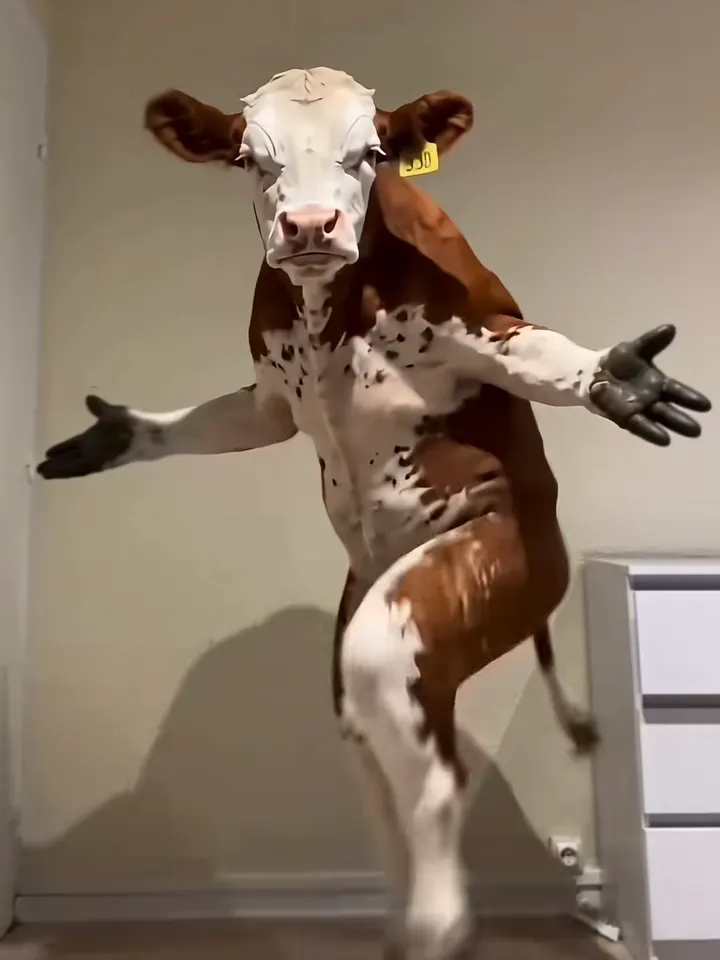 08
0803 / How it works
From your photo to your next take.
- 01
Start with a clear reference
Show the head, shoulders and at least the upper body. A little space around the body helps the hop and hand gestures read.
- 02
Give the scene a direction
Choose a scene, review your frame and model, and check the displayed credit cost.
- 03
Create, then look closely
Submit when the setup is ready. Follow progress in My creations, inspect the result and download the version you want to keep.
A note before your next take
Toc Toc Dance AI
Choose a room for a quieter solo or a hallway for a stronger entrance. Keep the gestures short and the camera steady so the rhythm remains readable.
Creative direction is a request, not a guarantee. Faces, hands and fine details can vary.
Add licensed music in your editor. Original trend audio is not included.
Pricing
Choose the settings. See the cost.
These tools use your existing account credits. The amount shown beside the create button follows the selected model and settings. See Pricing for current credit packs, validity periods and payment details.
04 / Questions
Before you press create.
Can I keep the outfit in my photo?
Choose Your own outfit and use a photo where the clothing is visible. The model is asked to keep it, although small details can still change.
Can I use a pet instead of a person?
Yes. Choose Pet rhythm and add one clear pet photo. Leave room around the head, paws and body so the movement is easier to frame.
Where do I find the finished file?
A completed result appears here while this page stays open. You can also open My creations to check tasks and download finished files.
Which settings affect the credit cost?
The selected model, resolution and video length determine the displayed cost. Review the amount beside the create button and visit Pricing when you need more credits.