 01
01Make PNG BG A PHOTO. A DIRECTION. YOUR NEXT TAKE.
Keep the subject. Lose the backdrop.
Isolate a portrait, product or pet from its background and save a transparent PNG. Use the checkerboard preview to examine hair, fur and fine edges before you download.
01 / Create
Reference exampleSCREEN TEST / 001

People
Examples from the product reference, shown for visual direction. They are not tests of this generator.
Make PNG BG
Start with a sharp foreground subject. Very similar foreground and background colors can make edge separation harder.
02 / Scenes
A closer look at a cleaner cutout.
Examples from the product reference, shown for visual direction. They are not tests of this generator.
01 02
02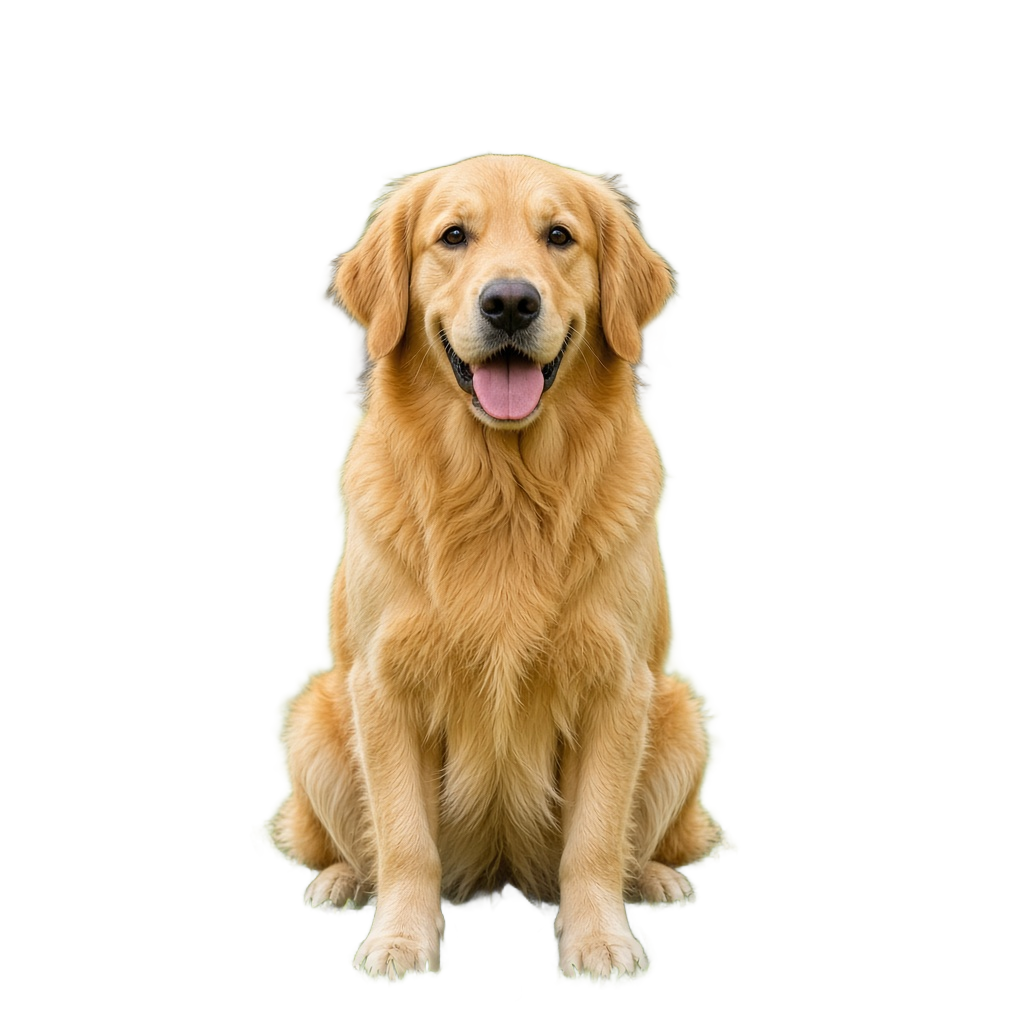 03
03 04
04 05
0503 / How it works
From your photo to your next take.
- 01
Start with a clear reference
Start with a sharp foreground subject. Very similar foreground and background colors can make edge separation harder.
- 02
Give the scene a direction
Choose a scene, review your frame and model, and check the displayed credit cost.
- 03
Create, then look closely
Submit when the setup is ready. Follow progress in My creations, inspect the result and download the version you want to keep.
A note before your next take
Make PNG BG
A checkerboard indicates transparency; a white background does not. Inspect translucent objects and narrow gaps, then download the original PNG result.
Creative direction is a request, not a guarantee. Faces, hands and fine details can vary.
Pricing
Choose the settings. See the cost.
These tools use your existing account credits. The amount shown beside the create button follows the selected model and settings. See Pricing for current credit packs, validity periods and payment details.
04 / Questions
Before you press create.
How can I check whether the background is transparent?
Look for the checkerboard behind the cutout and download the PNG result. A solid white backdrop alone is not evidence of transparency.
Which edges need the closest inspection?
Look at hair, fur, thin straps, narrow gaps and translucent objects. Keep your original photo so you can compare the subject’s outline.
Where do I find the finished file?
A completed result appears here while this page stays open. You can also open My creations to check tasks and download finished files.
Which settings affect the credit cost?
The selected model, resolution and video length determine the displayed cost. Review the amount beside the create button and visit Pricing when you need more credits.