THE PORTRAIT COLLECTION
One selfie. A new kind of photoshoot.
Find a portrait for work, everyday life or a day worth celebrating. Explore eight scene collections, then choose the style and framing that suit your photo.
Find your scene01—08 / AI Portrait Studio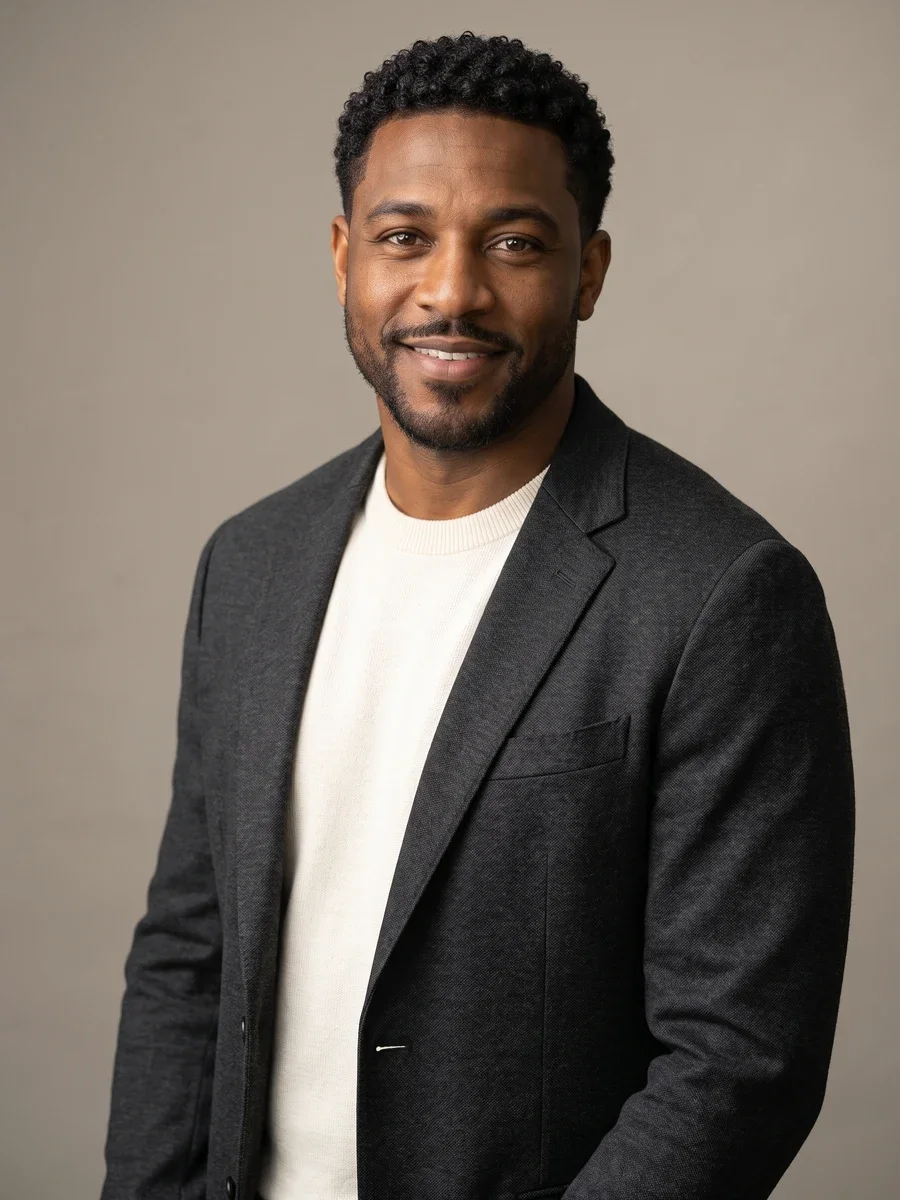 01 / Professional headshots
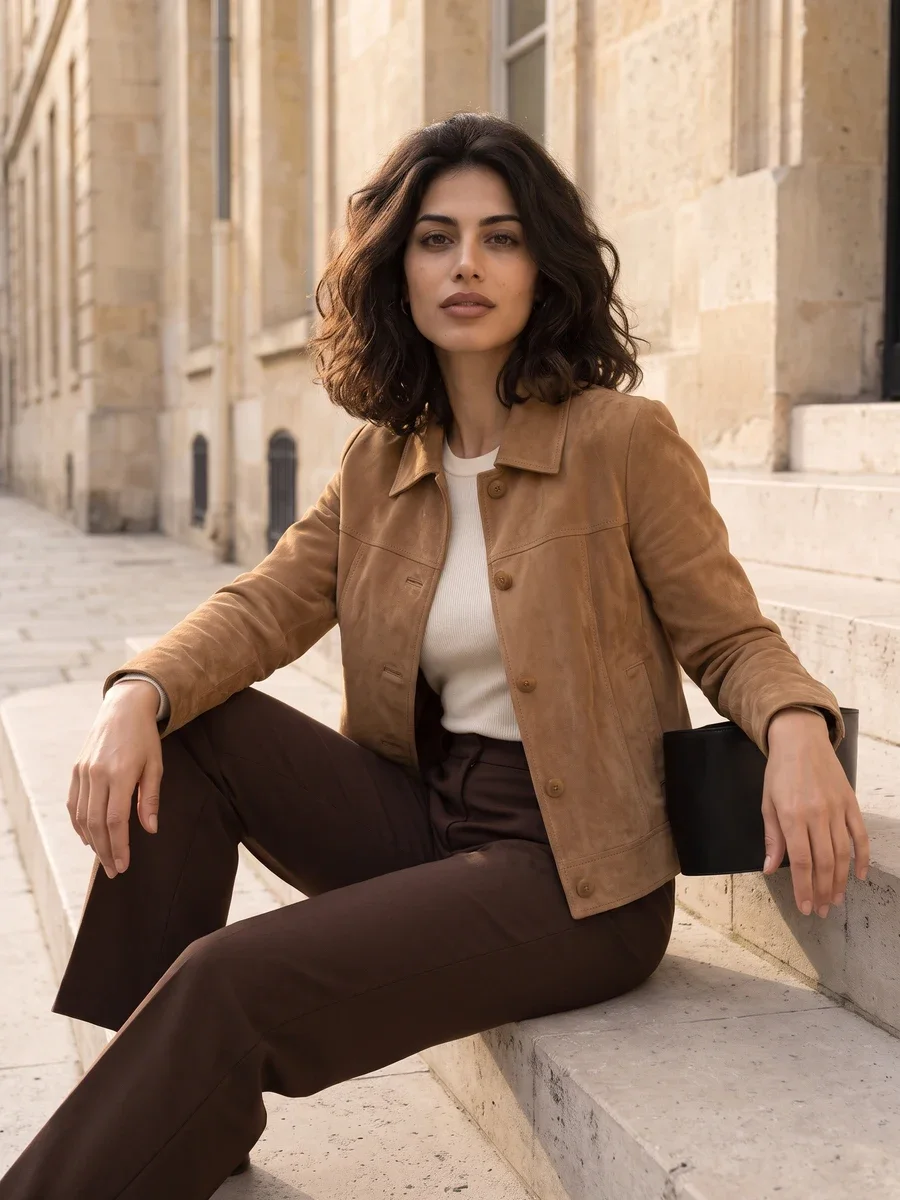 02 / City editorial
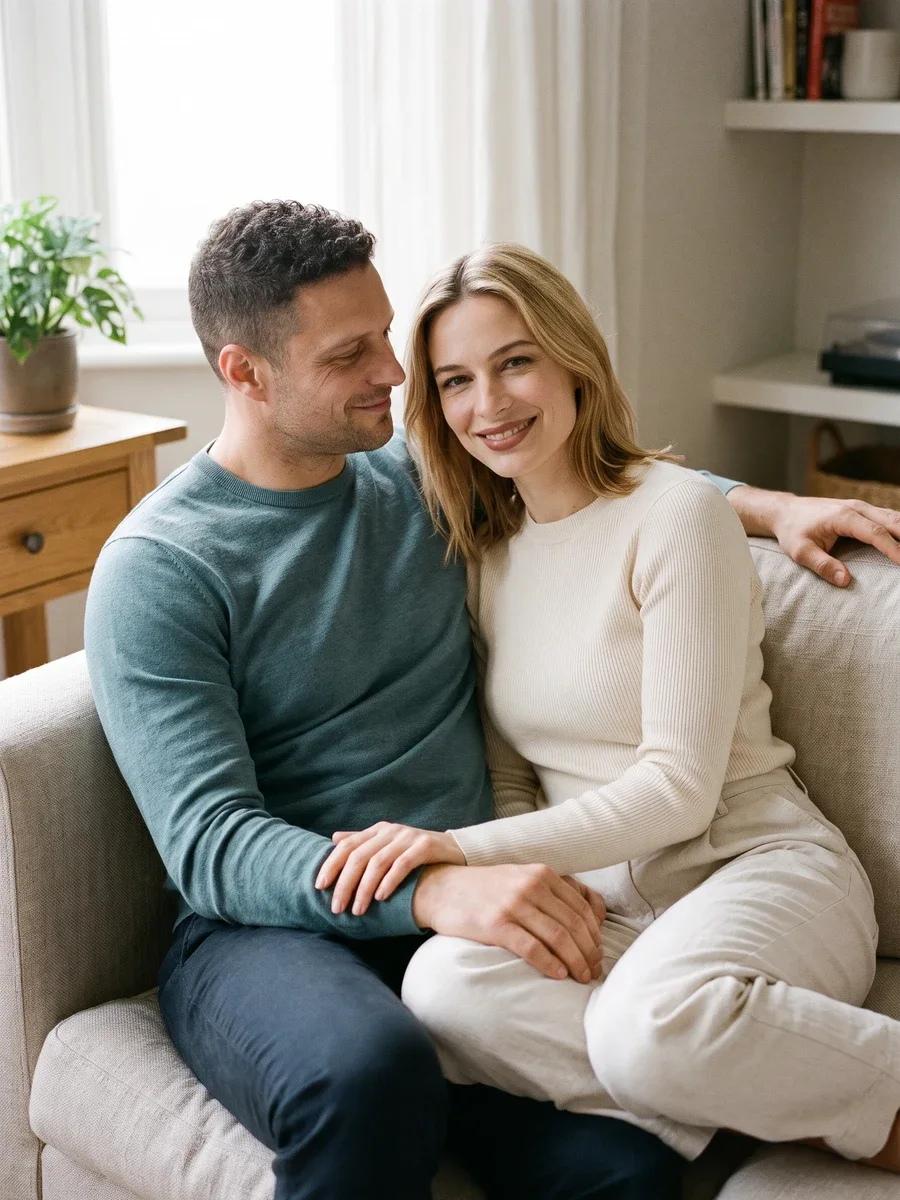 03 / Couple portraits
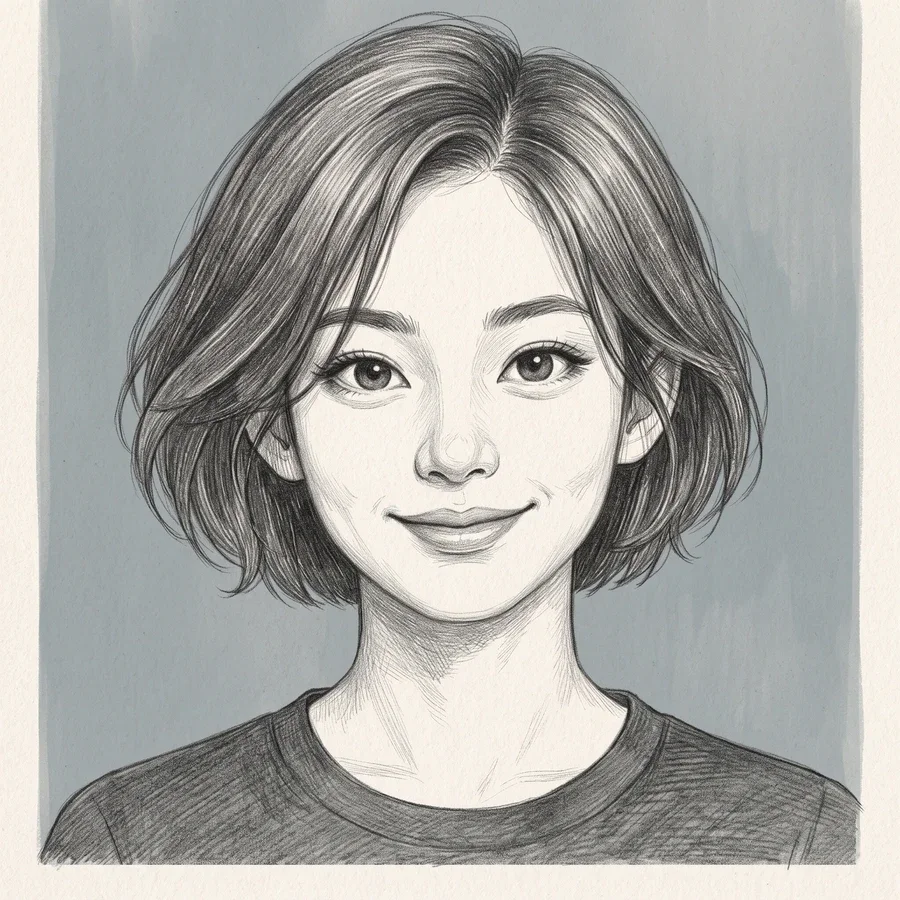 04 / Creative avatars
01 / Scenes
Find the scene for your next take.
Eight collections. Different occasions. Your own starting photo.
 01
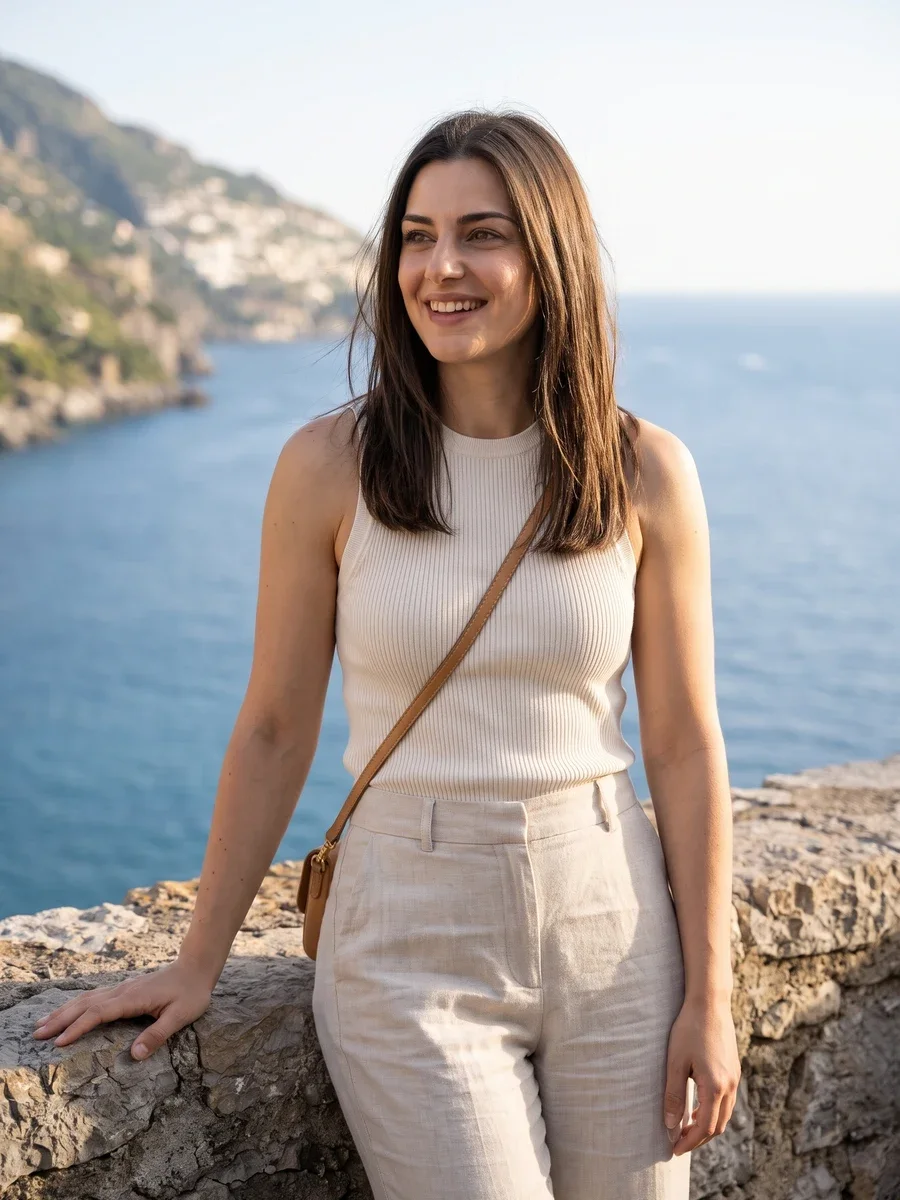
01Lifestyle Portraits
Make a relaxed portrait for the places people see you every day. Choose a coffee-break mood, an active afternoon, a travel setting or a quiet corner at home.
Explore collection ↗02LinkedIn Headshots
Create a considered headshot for LinkedIn, a résumé or your team bio. Compare formal tailoring, approachable smart casual and a creative workplace look.
Explore collection ↗03City Editorial Portraits
Build an editorial portrait around clean tailoring, streetwear, a retro mood or an experimental silhouette. Your photo supplies the face; the scene supplies the styling.
Explore collection ↗04Creative Avatars
Reimagine your selfie as a digital illustration, oil portrait, watercolor or pencil drawing. Pick the material first, then choose how close the frame should feel.
Explore collection ↗05Couple Portraits
Picture an ordinary moment together: coffee at home, a city date, a countryside walk or a day beside the sea. Use two portraits or one existing couple photo.
Explore collection ↗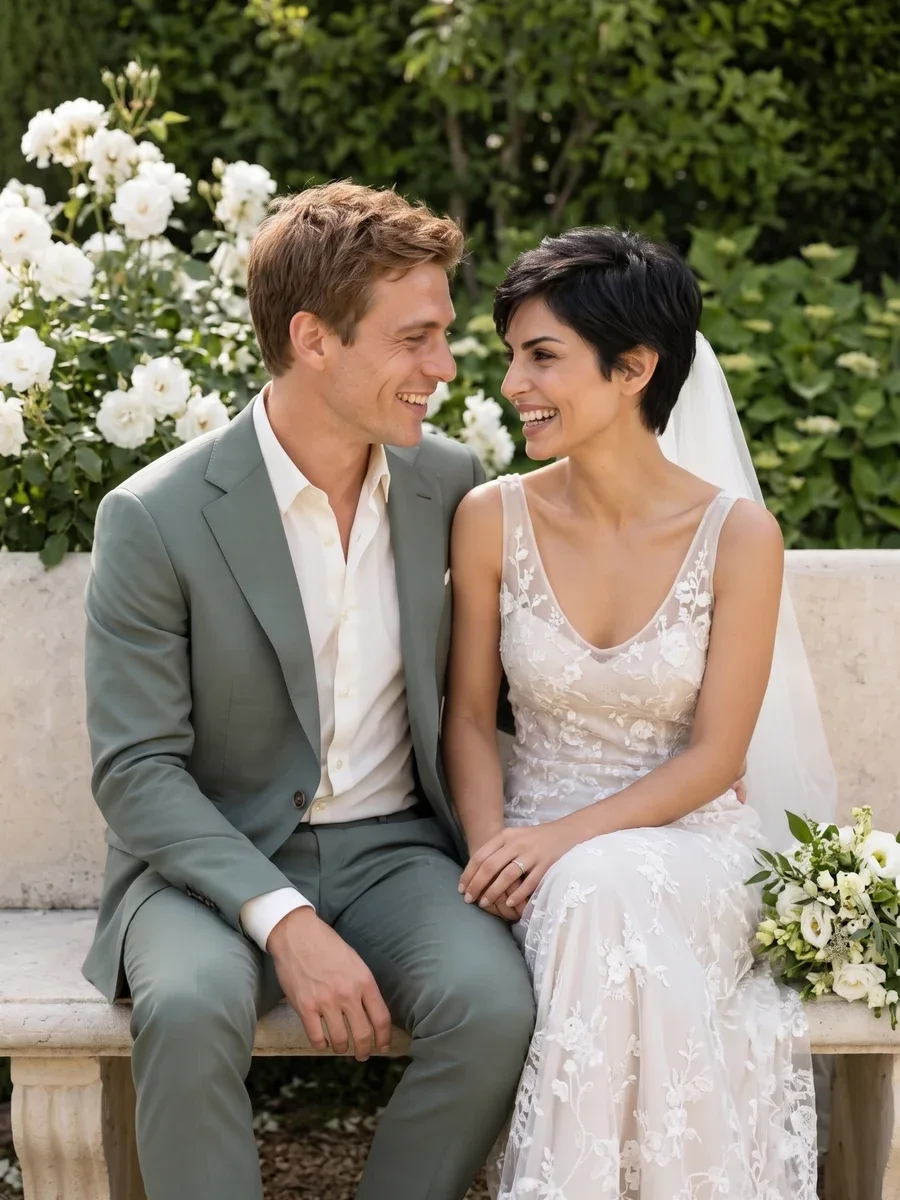 06
06Wedding Portraits
Explore wedding portrait ideas with classic formality, a coastal ceremony, a garden setting or a cinematic vintage mood. Bring two selfies or a photo together.
Explore collection ↗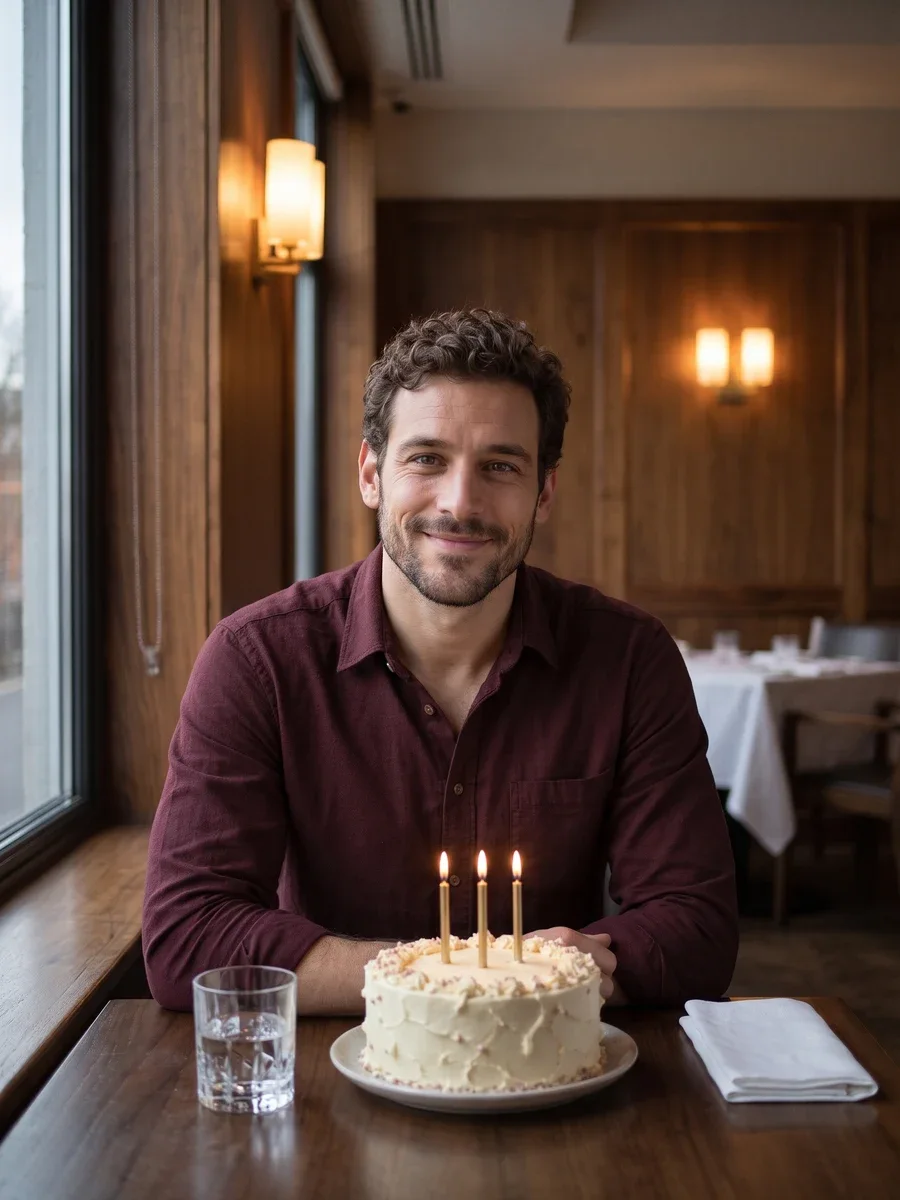 07
07Birthday Portraits
Choose a birthday portrait that feels like your celebration: simple candles, a dressed-up evening, a cozy room or a picnic outdoors. Start with a recent selfie.
Explore collection ↗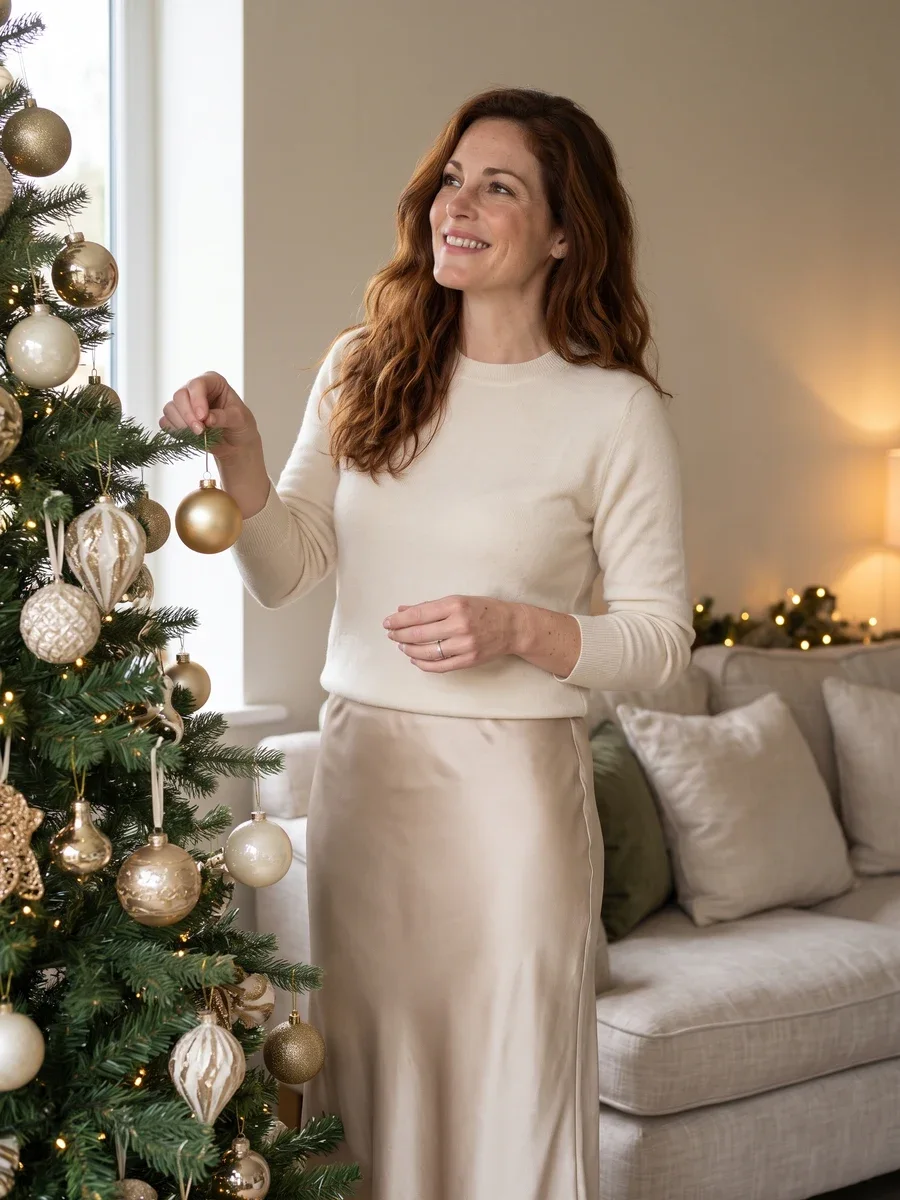 08
08Christmas Portrait Collection
Style a seasonal portrait with a classic tree, Scandinavian simplicity, a golden evening or vintage Christmas colors. This collection focuses on photographic holiday looks.
Explore collection ↗02 / How it works
From your photo to your next take.
- 01
Start with a clear reference
Choose a recent, evenly lit selfie without heavy filters. Start with the occasion, then bring your photo into a scene.
- 02
Give the scene a direction
Choose a scene, review the options available on this page, and check the displayed credit cost.
- 03
Create, then look closely
Submit when the setup is ready. Follow progress in My creations, inspect the result and download the version you want to keep.
A note before your next take
AI Portrait Studio
Each collection has its own wardrobe, lighting and framing directions. Start with one shot and inspect the likeness before exploring another style.
Creative direction is a request, not a guarantee. Faces, hands and fine details can vary.
03 / Questions
Before you press create.
Will my result match the reference example exactly?
Each collection has its own wardrobe, lighting and framing directions. Start with one shot and inspect the likeness before exploring another style.
What photo should I start with?
Choose a recent, evenly lit selfie without heavy filters. Start with the occasion, then bring your photo into a scene.
Where do I find the finished file?
A completed result appears here while this page stays open. You can also open My creations to check tasks and download finished files.
Which settings affect the credit cost?
The create button shows the credit cost for this tool and its current settings. Where model or duration options are available, changing them can update that amount. Review it before submitting and visit Pricing when you need more credits.