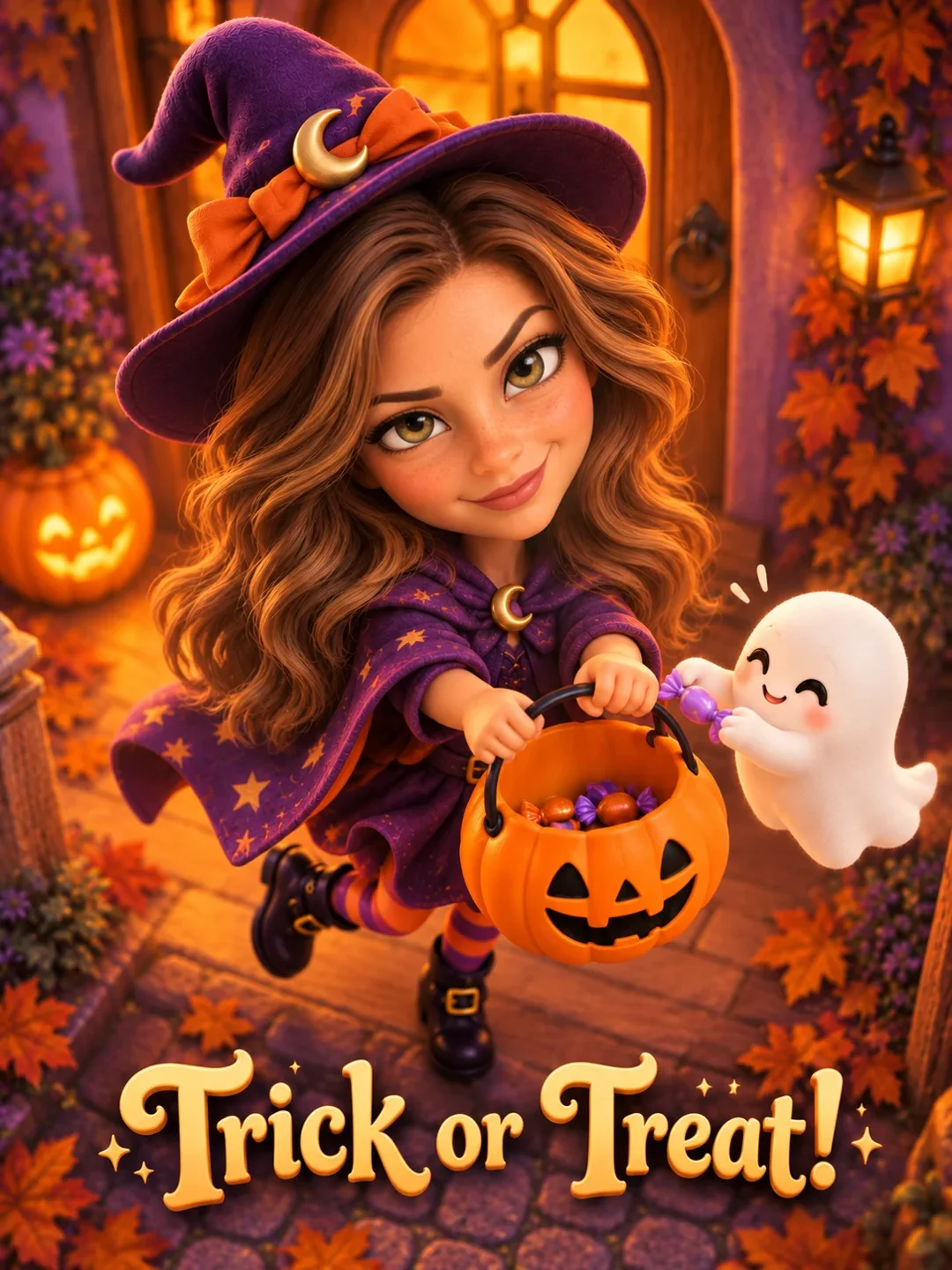
 01
01Halloween AI A PHOTO. A DIRECTION. YOUR NEXT TAKE.
A little magic. A familiar face.
Create a Halloween portrait with candy, moonlight and friendly ghosts. Choose a solo look or bring an existing group photo into the same illustrated scene.
01 / Create
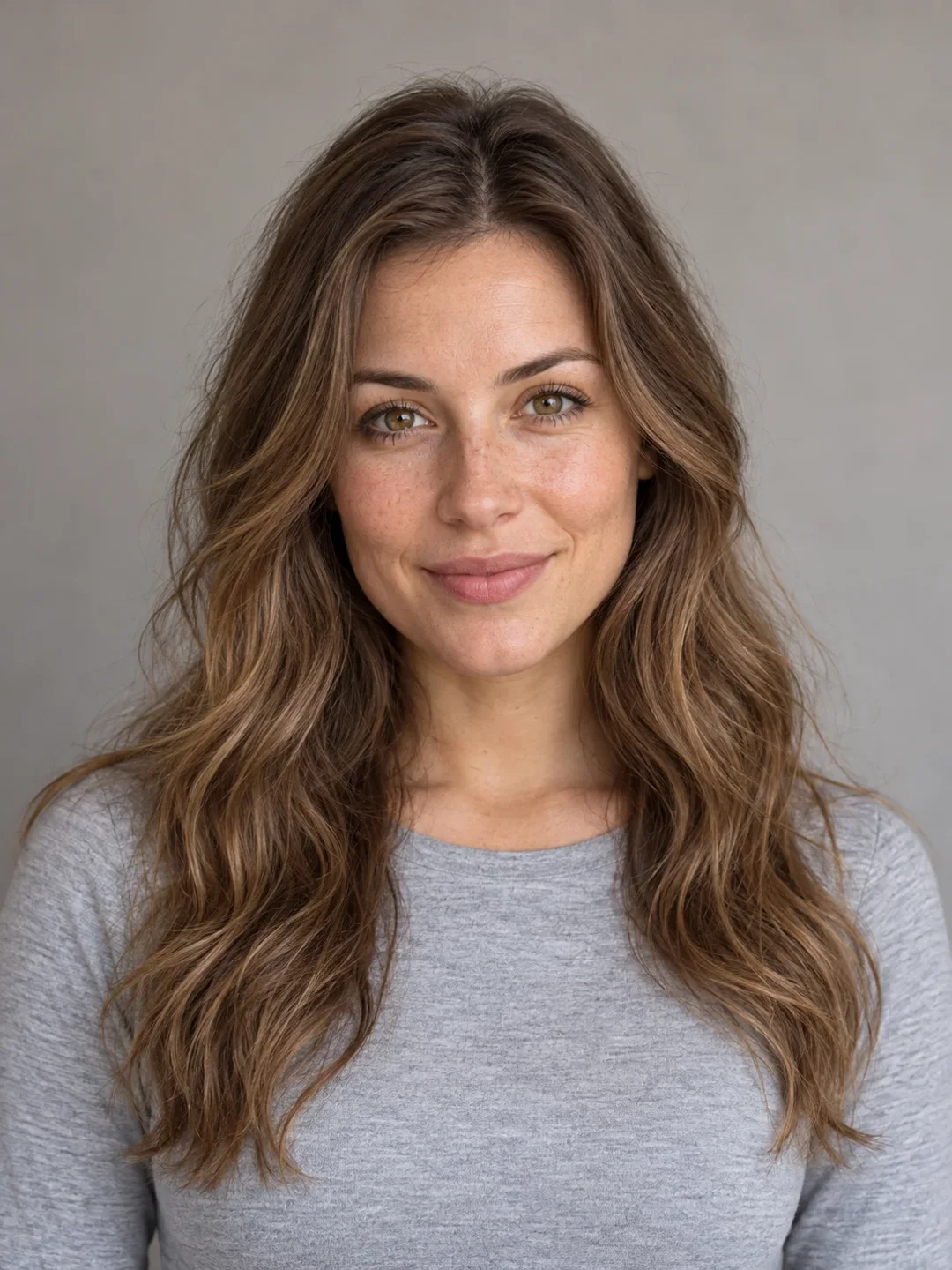
Reference exampleSCREEN TEST / 001
Candy at the door
Examples from the product reference, shown for visual direction. They are not tests of this generator.
Halloween AI
For solo looks, use one clear adult portrait. Crew looks use one existing group photo; keep every face visible.
02 / Scenes
Find the scene for your next take.
Choose the look before you create. Reference examples show the direction, not a guaranteed result.
01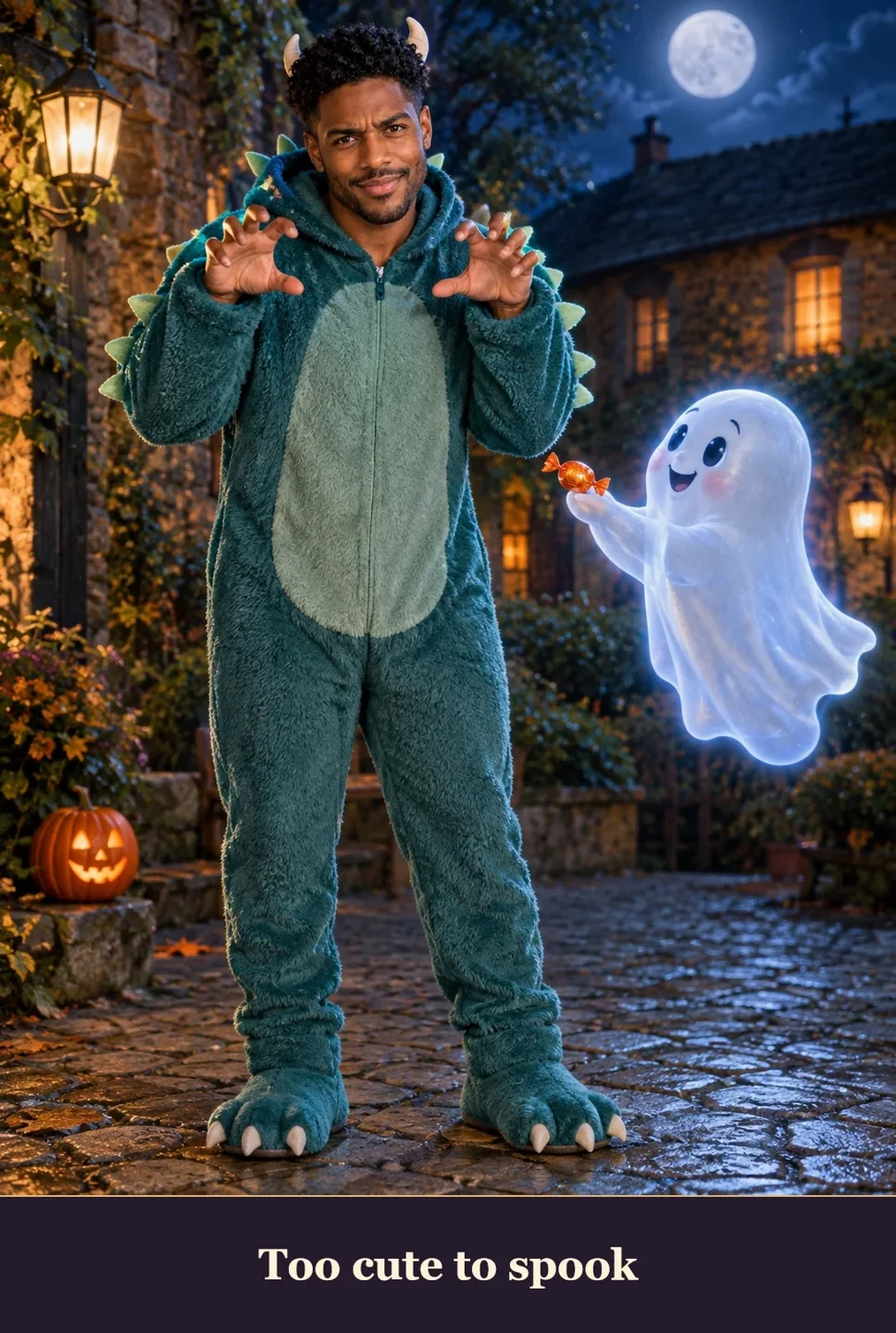 02
02 03
03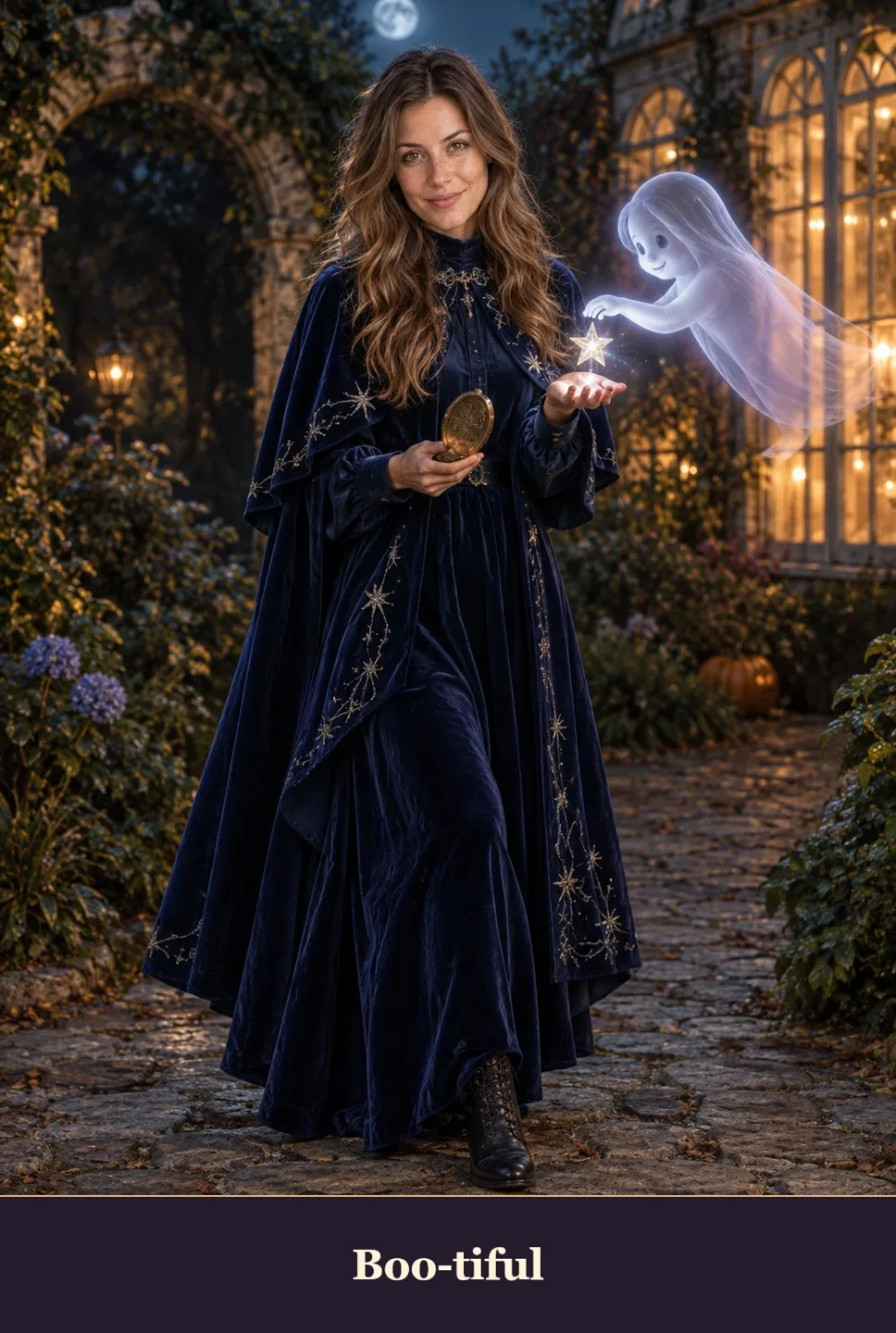 04
04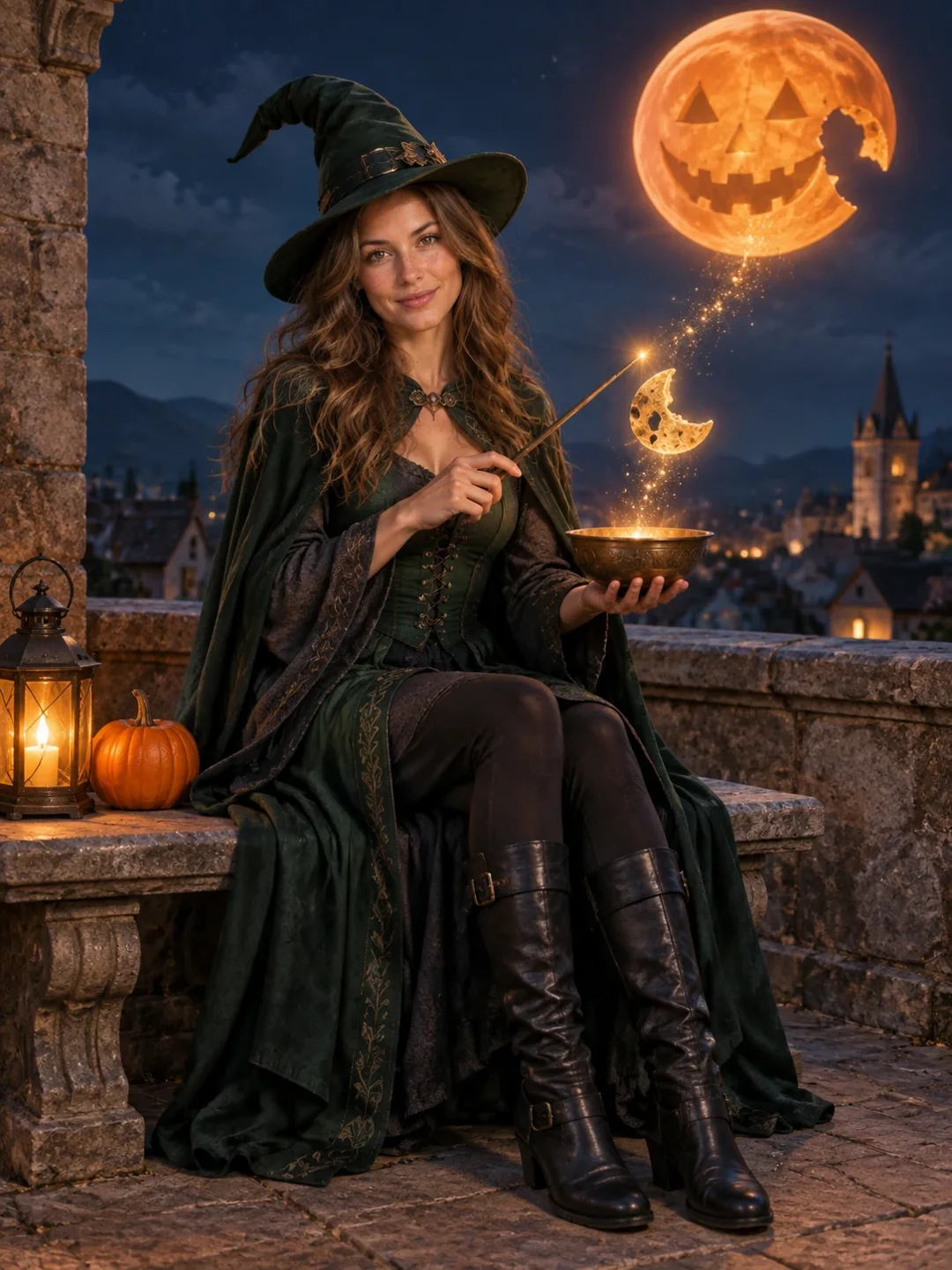 05
05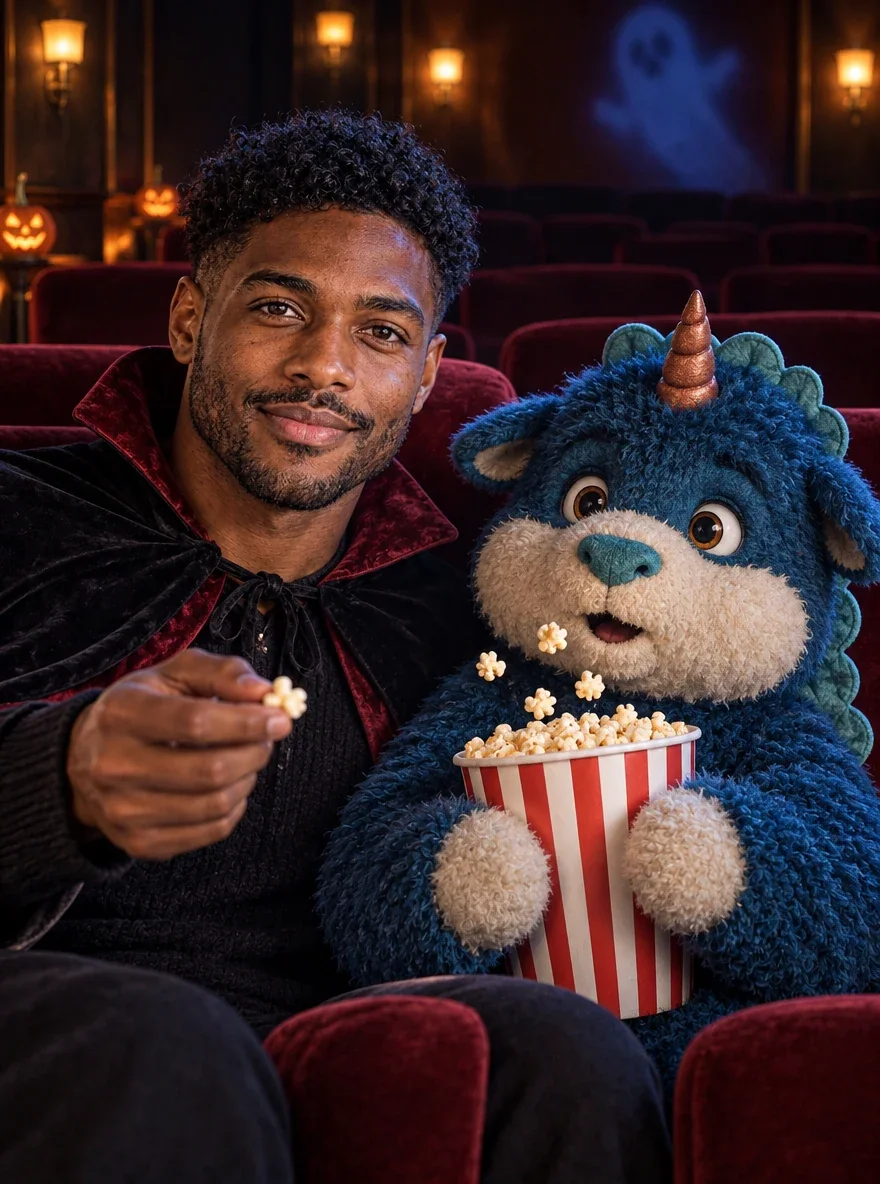 06
06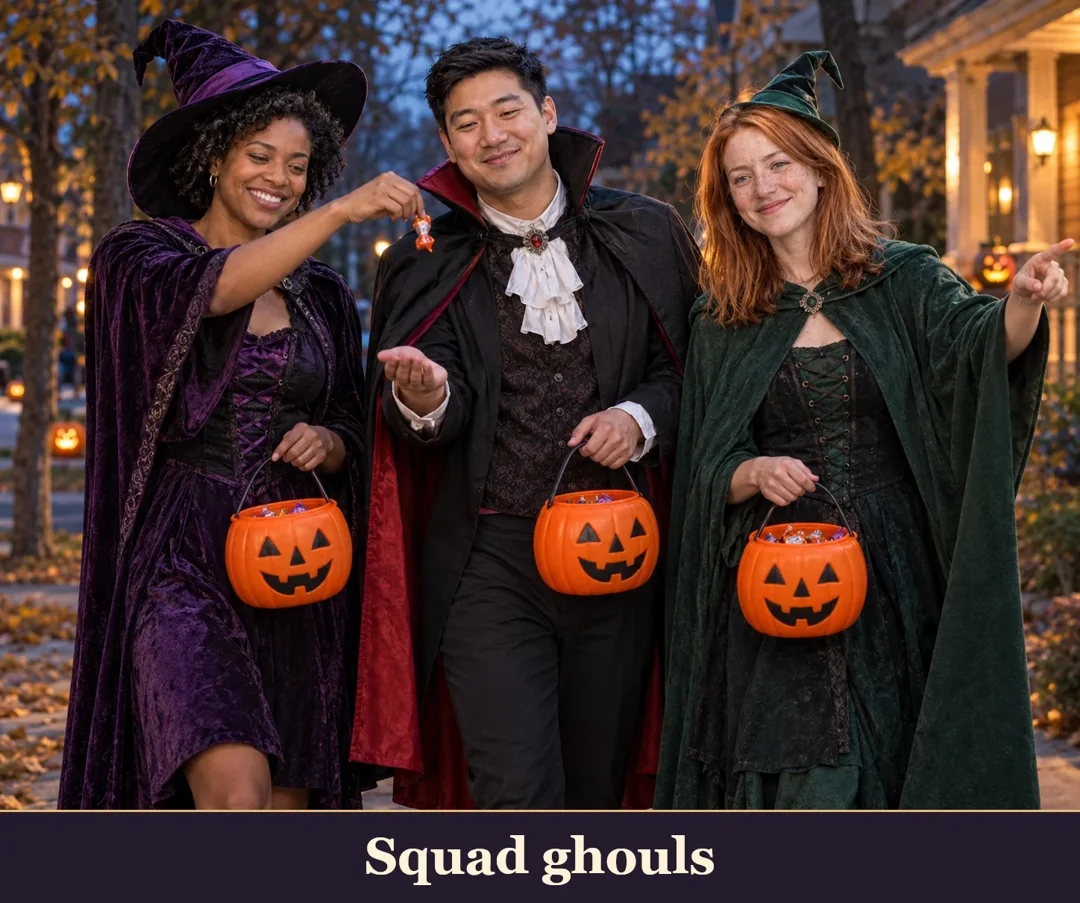 07
07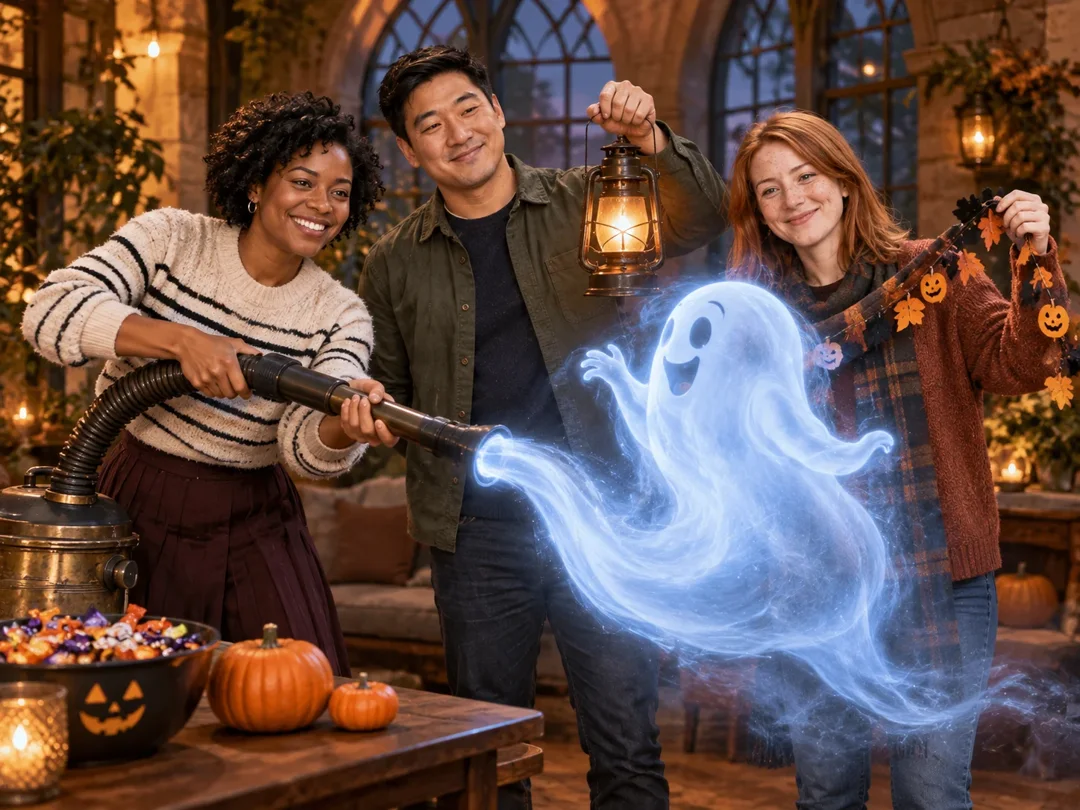 08
0803 / How it works
From your photo to your next take.
- 01
Start with a clear reference
For solo looks, use one clear adult portrait. Crew looks use one existing group photo; keep every face visible.
- 02
Give the scene a direction
Choose a scene, review the options available on this page, and check the displayed credit cost.
- 03
Create, then look closely
Submit when the setup is ready. Follow progress in My creations, inspect the result and download the version you want to keep.
A note before your next take
Halloween AI
Treat the costume as a new scene, not a face filter. Check eyes, glasses and every person in group portraits before sharing. Lettering and small props may need another attempt.
Creative direction is a request, not a guarantee. Faces, hands and fine details can vary.
Pricing
Choose the settings. See the cost.
These tools use your existing account credits. The amount shown beside the create button follows the selected model and settings. See Pricing for current credit packs, validity periods and payment details.
04 / Questions
Before you press create.
Will my result match the reference example exactly?
Treat the costume as a new scene, not a face filter. Check eyes, glasses and every person in group portraits before sharing. Lettering and small props may need another attempt.
What photo should I start with?
For solo looks, use one clear adult portrait. Crew looks use one existing group photo; keep every face visible.
Where do I find the finished file?
A completed result appears here while this page stays open. You can also open My creations to check tasks and download finished files.
Which settings affect the credit cost?
The create button shows the credit cost for this tool and its current settings. Where model or duration options are available, changing them can update that amount. Review it before submitting and visit Pricing when you need more credits.