Find the beat
The dancers settle into the frame with a gentle sway. Faces and outfits have room to read.
Turn one or two photos into a 12–14-second Christmas dance. Choose a solo, bring a friend, or give your pets the festive spotlight.
Reference footage from the source site. This is not a Vyi generation.
Create a moving holiday greeting from photos you have permission to use. Choose Solo for one portrait, Duo for two different people, or Pets for two separate pet photos. Keep faces or markings visible and use recent photos with even light. Preview the festive room and movement examples below, then pick a variant and review the duration, resolution and credit quote. Once the video is ready, watch the whole clip before sharing and check how the faces, movement and framing hold up on a phone.
The dancers settle into the frame with a gentle sway. Faces and outfits have room to read.
Rolling arms and small side steps give the scene its cheerful rhythm.
A simple turn changes the silhouette without crowding the other dancer.
A clap and a friendly lean toward the camera close the greeting.
Solo/Duo default to 12 seconds and Pets to 14; duration and resolution are editable. The beats guide a new scene rather than guaranteeing exact reference choreography. No licensed trend recording is supplied.
The source pairs below show its own inputs and outputs. Selecting a version changes the setup; it never submits a task.
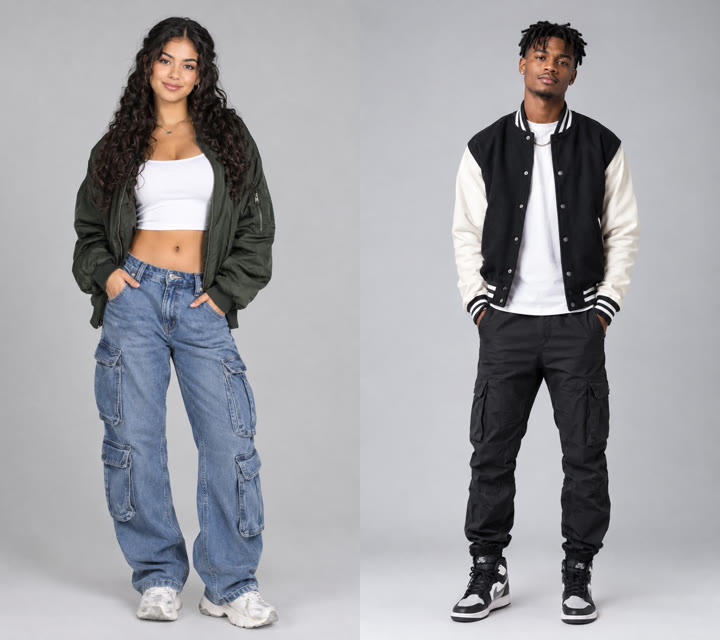
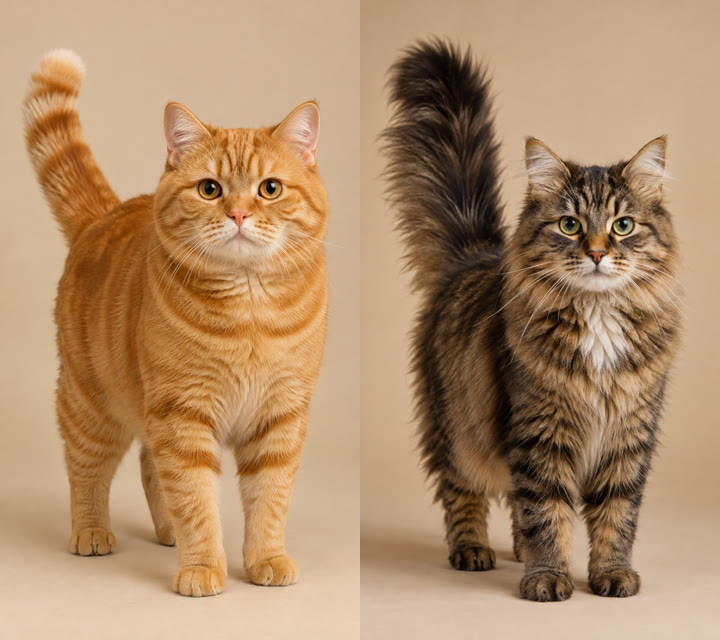
Pick Solo, Duo or Pets. Add one separate, well-lit photo for every visible dancer.
Keep the festive setup, optionally add a small wardrobe or mood detail, then review the credit quote.
Sign in and submit when ready. Check the completed video for faces, feet and framing before saving.
A sharp face matters more than a decorated background. Use separate photos rather than a crowded group shot.
Solo uses one photo. Duo and Pets use separate left and right photos. Solo/Duo default to 12 seconds and Pets to 14, with editable output settings.
This tool requests original instrumental music rather than supplying the trend recording. You can add an appropriately licensed sound in your posting app. Audio and precise beat matching are not guaranteed.
MiniMax H3: 4–30 whole seconds at 480P, 768P or 1080P; 2K up to 15 seconds. The displayed quote includes the selected duration and resolution. Outputs over 15 seconds double the video and reference-video charge. This page uses general credits; the button shows the full quote for your selection.
A confirmed failed task follows Vyi’s existing credit-return flow. Check the saved task before starting again after a network interruption. A completed video can vary in likeness and motion; credit returns are separate from cash refunds.